GitOps (run actions on Git Push)
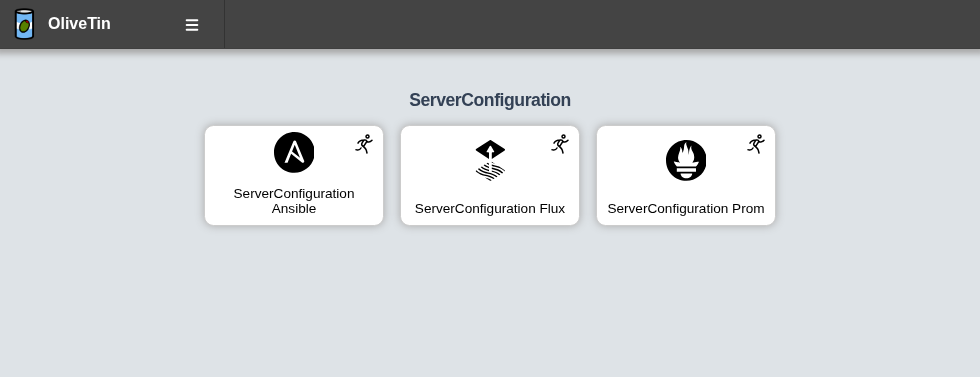
A really helpful thing to do with OliveTin is to have it run actions when you push to a Git repository. This is a great way to automate things like running tests, building your project, or deploying your code - this turns OliveTin into a powerful GitOps tool, or even a Continuous Integration tool.
This guide assumes that you are using a self-hosted Git repository, and uses a standard Git post-receive hook to trigger OliveTin actions.
|
Using GitHub? OliveTin has built-in support for GitHub webhooks with templates that make configuration simple. See GitHub Webhooks for an easier approach that doesn’t require writing hook scripts. |
To set up OliveTin to run actions on Git push, you will need to:
-
Create a new OliveTin action that you want to run on push.
-
Set up a Git
post-receivehook to trigger the OliveTin action.
Create a New OliveTin Action
First, you will need to create a new OliveTin action that you want to run when you push to your Git repository. This could be anything you like - for example, running tests, building your project, or deploying your code. The example below is a simple action that echoes a message to the console:
config.yamlactions:
- title: Run on Git Push
id: gitops
icon: <iconify-icon icon="bi:git"></iconify-icon>
shell: |
echo "You just pushed commit $COMMIT to git, running action..."
date
arguments:
- name: commit
type: asciiNote that OliveTin will expose all arguments as environment variables in uppercase as shown in the example above. You can of course use the {{ commit }} syntax instead and it will do the same thing.
Add a Git hook script
The following below assumes that you have a Git repository initialized as a bare repository, at /opt/myrepo.git. If you have a different repository location, you will need to adjust the paths accordingly.
First, create a new file at /opt/myrepo.git/hooks/post-receive with the following contents:
myrepo.git/hooks/post-receive#!/bin/bash
read OLDREV NEWREV REFNAME
CHANGED_FILES=$(git diff --name-only $OLDREV $NEWREV)
commit_contains_path() {
local filename=$1
if echo "$CHANGED_FILES" | grep -q "$filename"; then
return 0 # True
else
return 1 # False
fi
}
function run_olivetin_action() {
local ACTION_NAME=$1
echo "Requesting OliveTin job $ACTION_NAME"
OLIVETIN_REQUEST="$(cat <<EOF
{
"actionId": "$ACTION_NAME",
"arguments": [
{
"name": "commit",
"value": "$NEWREV"
}
]
}
EOF
)"
exec curl -sS --json "$OLIVETIN_REQUEST" http://olivetin.example.com:1337/api/StartAction
}
if commit_contains_path "k8s-flux"; then
run_olivetin_action "ServerConfiguration_Flux"
exit
fi
if commit_contains_path "alert.rules"; then
run_olivetin_action "ServerConfiguration_Prom"
exit
fi
run_olivetin_action "gitops"Make sure you make the script executable, and edit the last line of the script to point to your OliveTin instance.
chmod +x /opt/myrepo.git/hooks/post-receiveNow, whenever you push to your Git repository, the post-receive hook will trigger the OliveTin action you created. You can see if the action was triggered by pushing to the git repository, and looking for output like this;
remote: {"executionTrackingId":"55c7371d-7a67-42a4-87d8-d5677b878186"}This is the executionTrackingId of the action that was triggered. You can use this to track the progress of the action in the OliveTin UI.