Execute on click
OliveTin has several options to control what happens when an action button is clicked and the execution starts. This can be controlled on a per-action basis using the onclick configuration option.
You can also set the default for OliveTin using the defaultOnClick configuration option.
The older names popupOnStart and defaultPopupOnStart do exactly the same thing. OliveTin copies legacy values into onclick / defaultOnClick during config load. New configurations should use onclick and defaultOnClick.
|
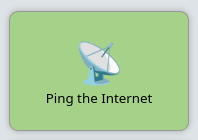
Big Flashy Buttons (default)
config.yamlactions:
- title: Ping the Internet
onclick: defaultThis will also be the option that is used if no other values match.
Execution Dialog
When an action uses execution-dialog, OliveTin opens the execution results view with the command output, plus the start time, end time, exit code, and duration.
The legacy option execution-dialog-stdout-only is deprecated in OliveTin 3k. It is still accepted in config files for compatibility, but is treated the same as execution-dialog.
|
config.yamlactions:
- title: Check dmesg logs
onclick: execution-dialog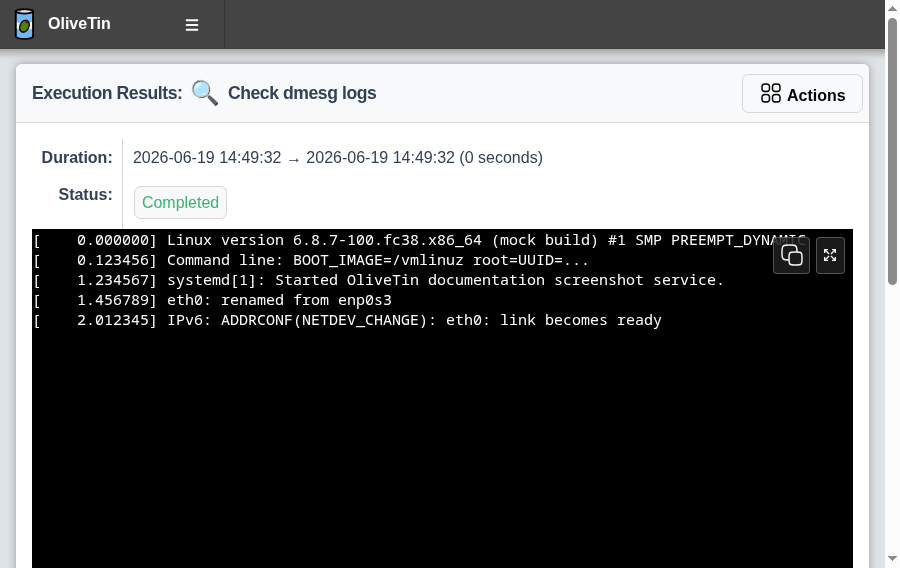
onclick: execution-dialogExecution Buttons
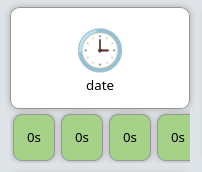
This mode will create a new button for each individual execution. This can be useful for actions that are executed again and again.
The text of the button (eg, "0s" in the screenshot below), is the time it took to execute the action in seconds.
config.yamlactions:
- title: date
onclick: execution-button